 Hailuo 3
Text to Video
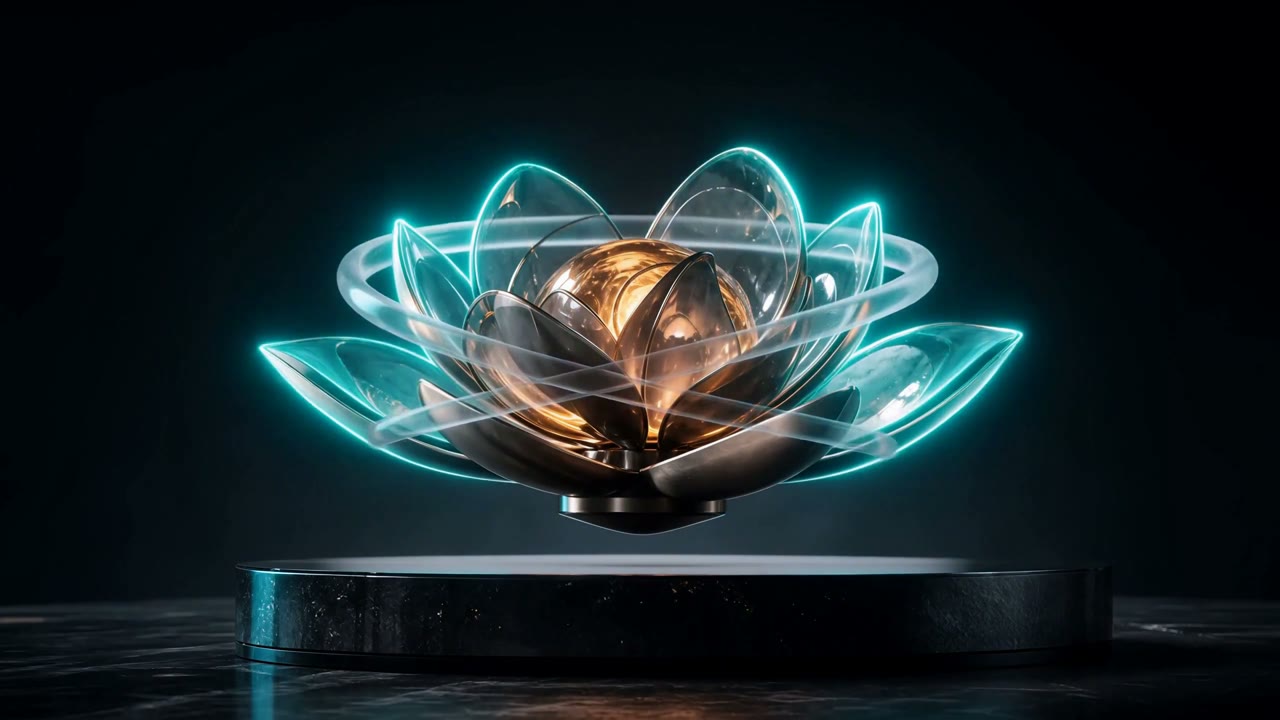
Glass Garden Awakening
Text · 6s · 2K · Native Stereo
Turn text, images, video, and audio references into cinematic clips with native stereo sound. Create with MiniMax H3—also known as Hailuo 3.0 and Hailuo 03—in one focused workflow.
Add a prompt, choose a workflow, and turn your direction into a scene at up to 2K with native sound.
Real H3 outputs
Three real creations from the same workflow above, generated with Text, Image, and Reference modes.
Text to Video
Text · 6s · 2K · Native Stereo

Image to Video
Image · 6s · 2K · Native Stereo
Reference to Video
Reference · 8s · 2K · Native Stereo
See how creators can shape stories with H3 references, transitions, and native sound.
“A single reference set keeps the character, movement, and mood aligned across the whole idea.”
Maya Chen
Short-form creator
“First and last frame control makes transitions feel intentional instead of leaving every shot to chance.”
Alex Lin
Creative director
“Native stereo sound turns a visual concept into a share-ready scene in one focused workflow.”
Jordan Park
Product storyteller
Move from text to video, animate first and last frames, or direct a scene with image, video, and audio references.
Build the visual and its soundscape together for scenes that arrive with more atmosphere and intent.
Create high-detail clips from 4 to 15 seconds across cinematic, social, portrait, and square formats.
Text to video
Describe subjects, camera movement, pacing, lighting, dialogue, and ambience in one prompt. MiniMax H3 follows detailed creative direction and models multi-shot sequences for more intentional storytelling.
Image to video
Animate a portrait, landscape, product shot, or illustration. Add an optional last frame to guide the destination and create a controlled visual transition.
Reference to video
Combine up to nine images, three video clips, and three audio files. Reference a character, borrow motion, preserve a visual direction, or anchor the scene to a specific sound.
MiniMax H3 workflow
MiniMax H3 resources
Learn how Hailuo 03 works, inspect attributed examples, and prepare a more controllable generation before spending credits.
Independent review
An evidence-led look at video quality, native sound, reference control, limits, and hosted versus local workflows.
Attributed gallery
See real pipeline outputs and attributed community examples with prompts, settings, and clear evidence labels.
Reference workflow
Assign identity, motion, camera, style, and sound roles across image, video, and audio references.
Model comparison
Compare multimodal inputs, audio, workflow fit, control, and access without pretending one model wins every scene.
Buying guide
Choose between hosted H3, local H3, Seedance, Kling, Veo, Sora, and Runway by workflow rather than hype.
Prompt guide
Structure shots, camera movement, dialogue, ambience, music, and references without overloading a short clip.
Local workflow
Understand model packages, workflow setup, hardware tradeoffs, and when hosted generation is the better fit.
Save 50% with annual billing. Cancel whenever you want.
Annual billing includes 50% launch savings
MiniMax H3 FAQ
MiniMax H3 is a multimodal AI video model for creating and editing video at up to 2K with native stereo sound. It can work from text, images, video, and audio references.
Hailuo 3 and Hailuo 03 are common search names for the latest MiniMax H3 video workflow available on Hailuo3.me.
H3 supports generated clips from 4 to 15 seconds, with output at up to 2K.
Yes. Start from one image, or provide first and last frames to guide a controlled transition.
Reference-to-video accepts up to nine images, three videos, and three audio files, giving you control over characters, motion, composition, and sound.
Yes. H3 can generate native stereo sound alongside the video instead of treating audio as a separate afterthought.
Choose a workflow, add your references, and create a cinematic scene at up to 2K with native stereo sound.
Create with MiniMax H3